Custom ECU Tuning Made
Simple and Powerful
4,800+ editable tables. Live tuning. CustomROM integration.
No compromises.
v1.72.1 | macOS 12+
Built for the next generation
of tuners.
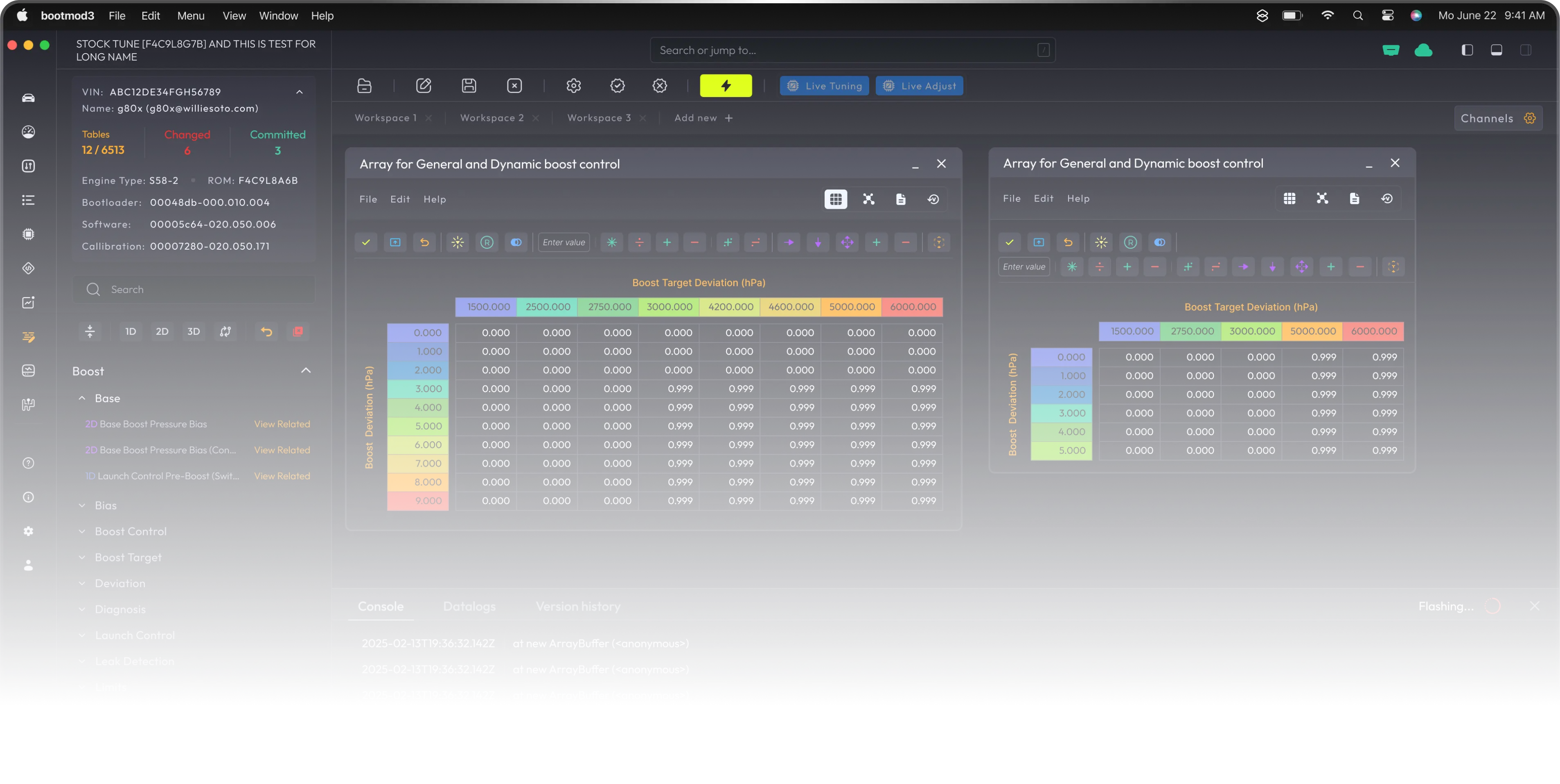
Whether you're scaling torque models, dialing in ethanol blends, or configuring ignition cut launch control — the bootmod3 Map Editor gives you factory-grade access with a user-friendly interface.
Built for Tuners. Refined for Performance.
bootmod3 Map Editor
bootmod3 proudly presents the next evolution in ECU control — the Map Editor.
It's a completely overhauled, advanced tool for customizing ECU calibration on BMW (and Supra) platforms—supporting thousands of calibration tables (~4,800 on S55 CustomROM alone) with descriptions and intuitive grouping.
🔧 Dual Workflow Support:
Modify maps directly in the bootmod3 UI. Export RAW binaries, edit with WinOLS/TunerPro, and re-import to release your custom tune.
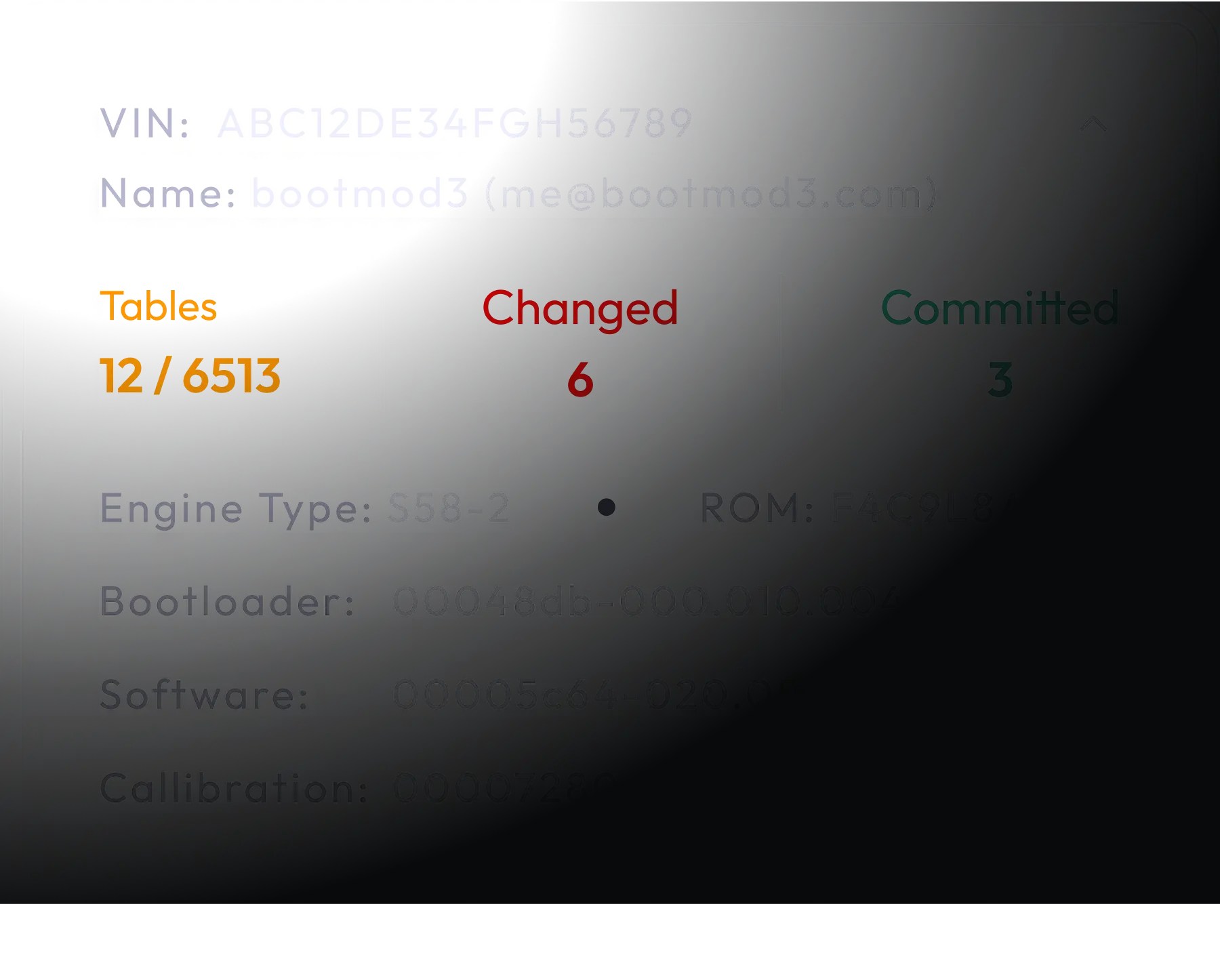
🧠 Built for Power Users:
4,800+ calibration tables (on CustomROM platforms like S55, B58 Gen 1)
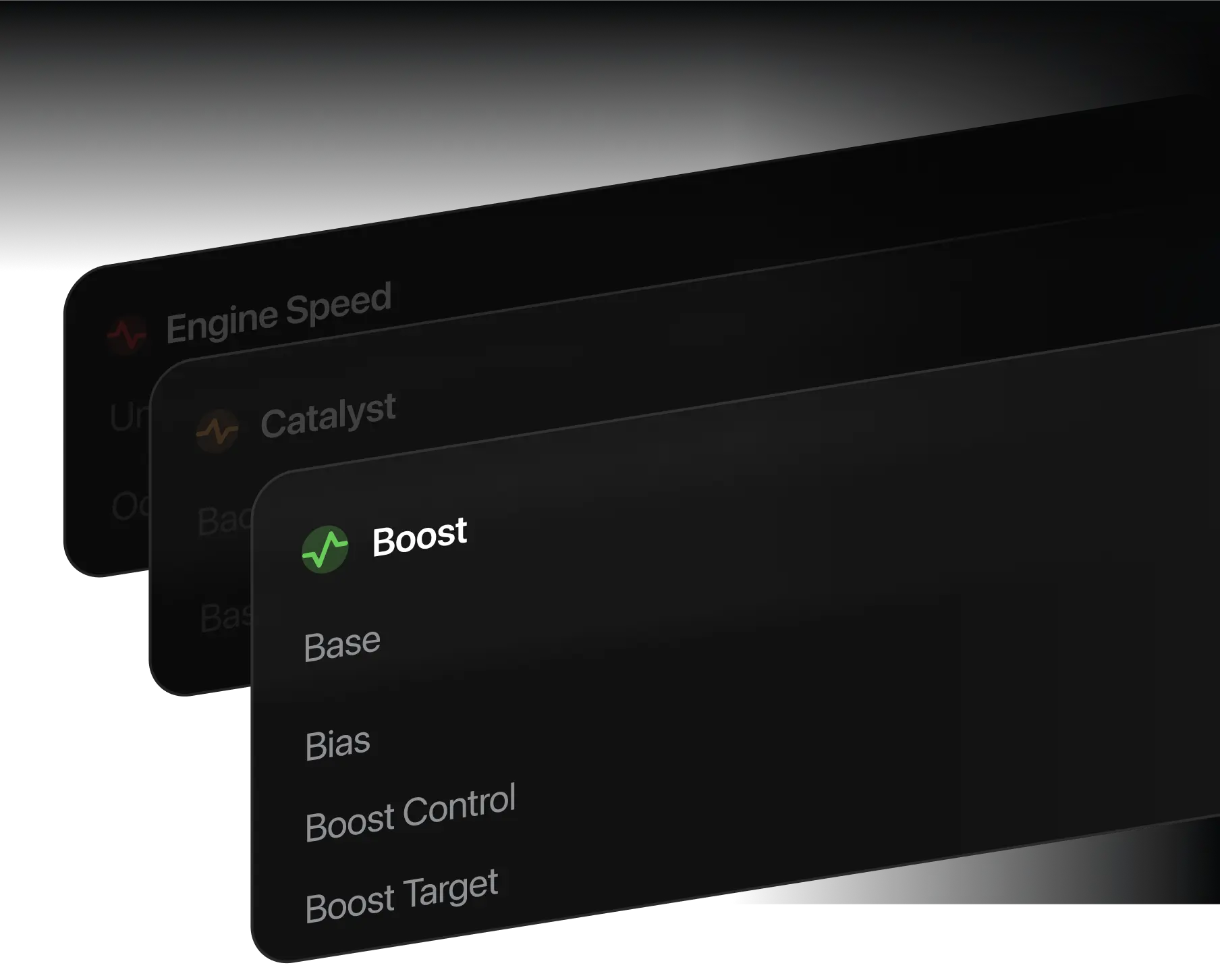
Developer-Centric Tools:
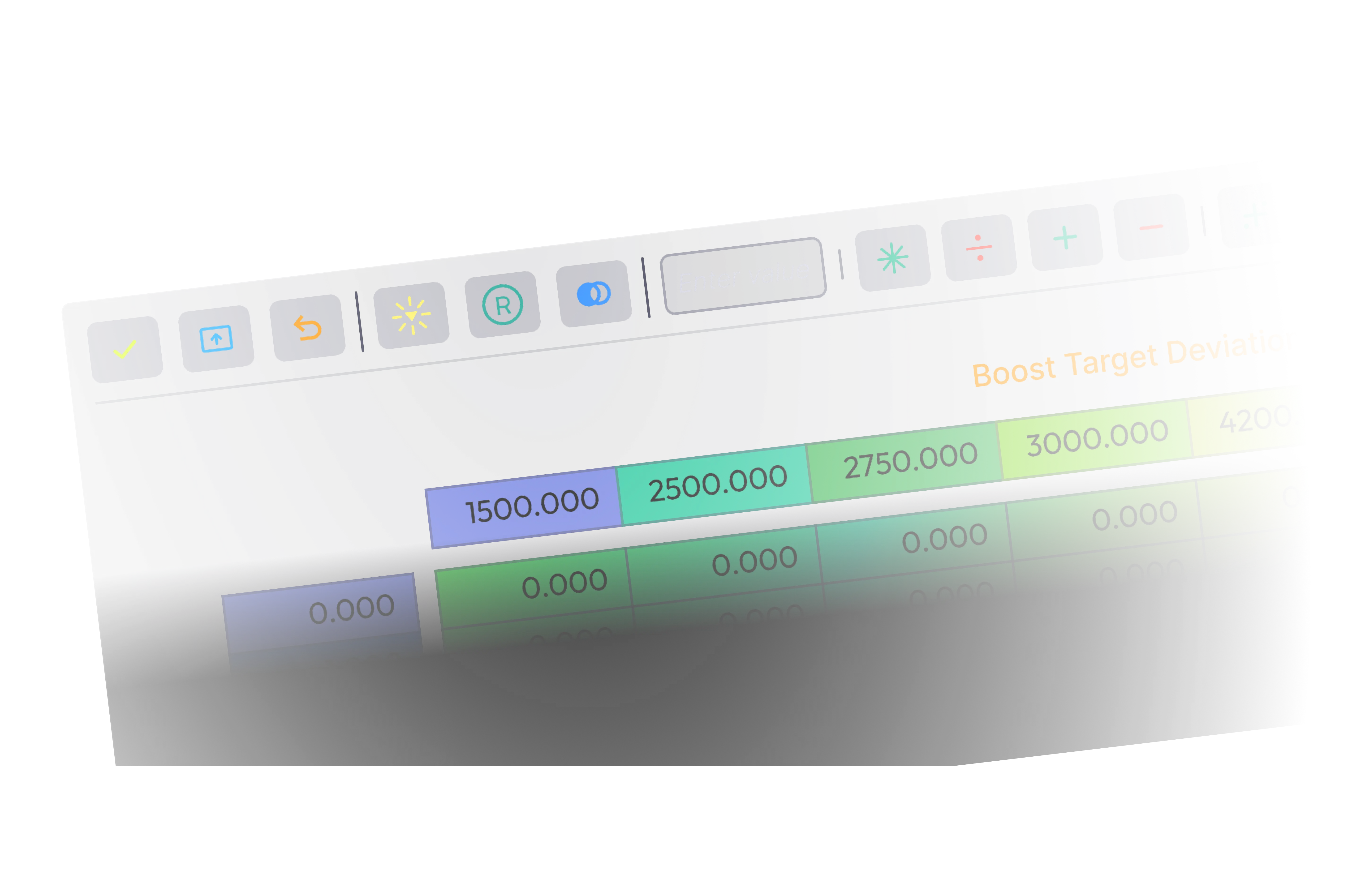
Editable maps with axis scaling
LiveAdjust:
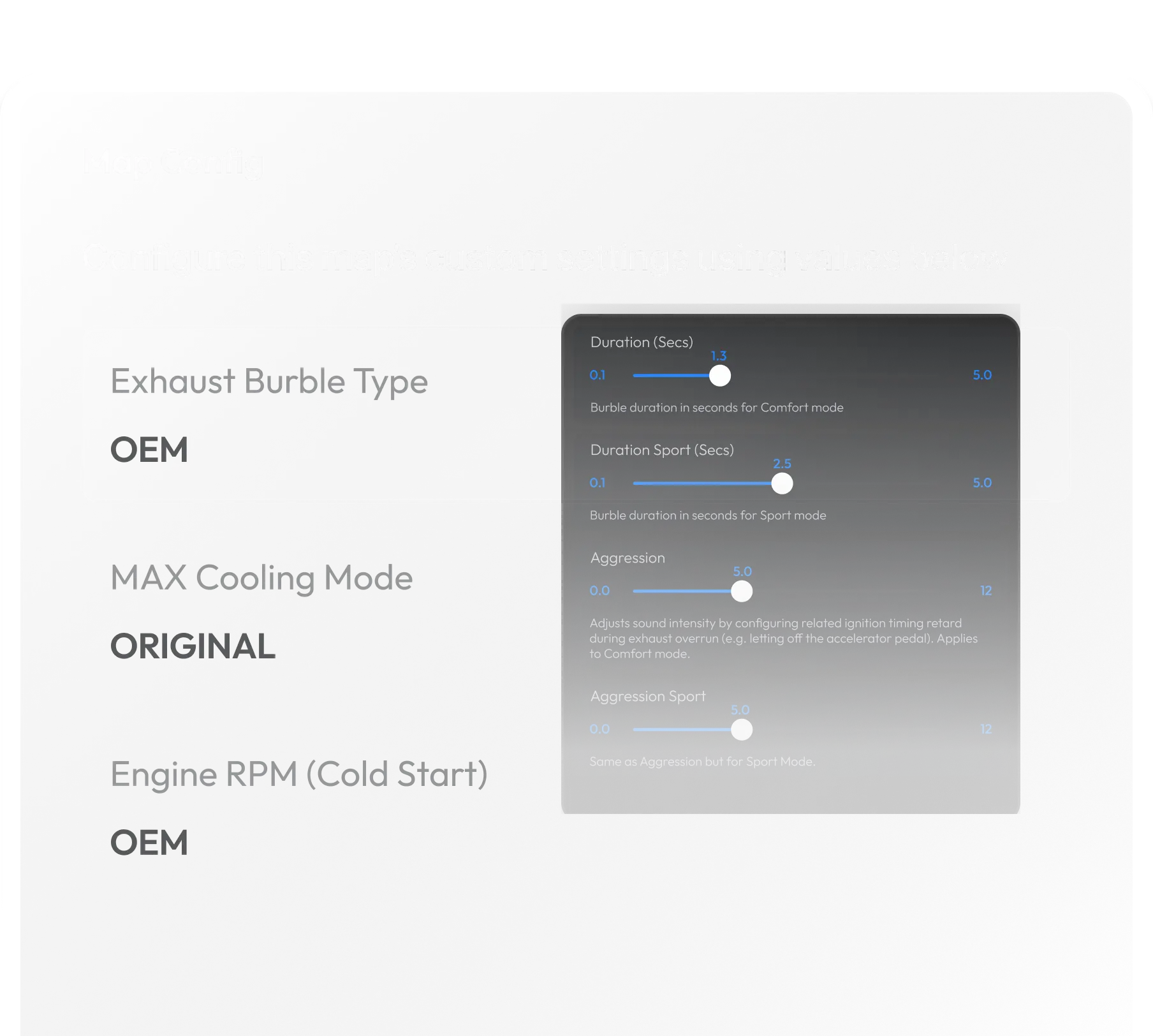
Change burble, map switch, throttle, and more without reflashing
Logging:
Integrated datalogging for fine-tuning and diagnostics
OBD Flashing:
Flash tunes directly via the diagnostic port — no need to remove the ECU
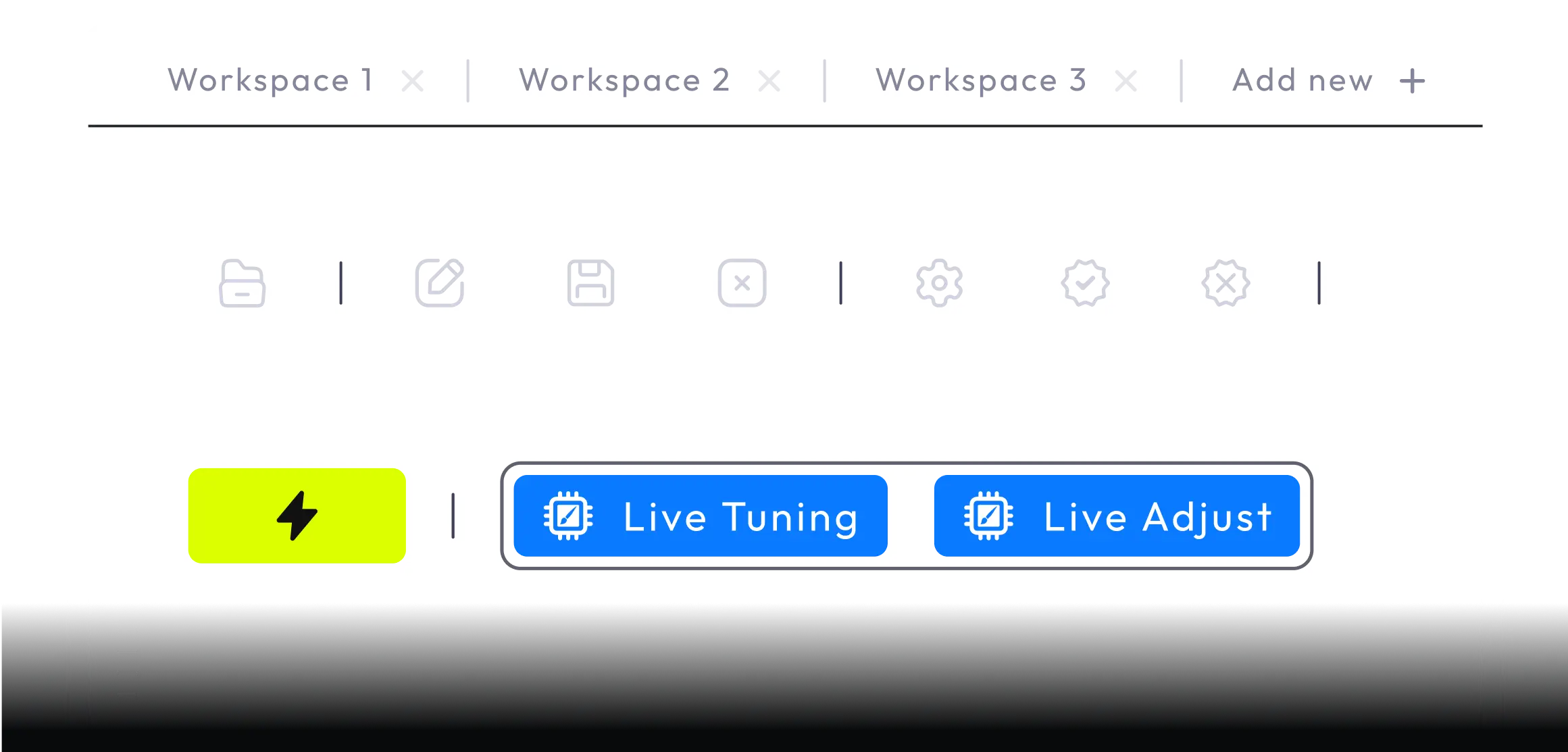
Modern Interface
Sleek, responsive, and built for speed.
Descriptions and Units
No more guessing — every map includes clear labels, units, and explanations.
CustomROM Integration
Unlock advanced features like map switching, flex fuel, and anti-lag.
Split-Bin Support
Export and import RAW BIN files to work seamlessly with external tools.
your tuning
playground.
For years, bootmod3 has been the industry benchmark for BMW and Supra tuning, delivering unmatched convenience, innovation, and performance through its cloud-based platform. With powerful features like mobile flashing, OTS maps, integrated datalogging, and CustomROM technology, bootmod3 has changed how enthusiasts and professional tuners access engine tuning. Now, we’re taking it even further.
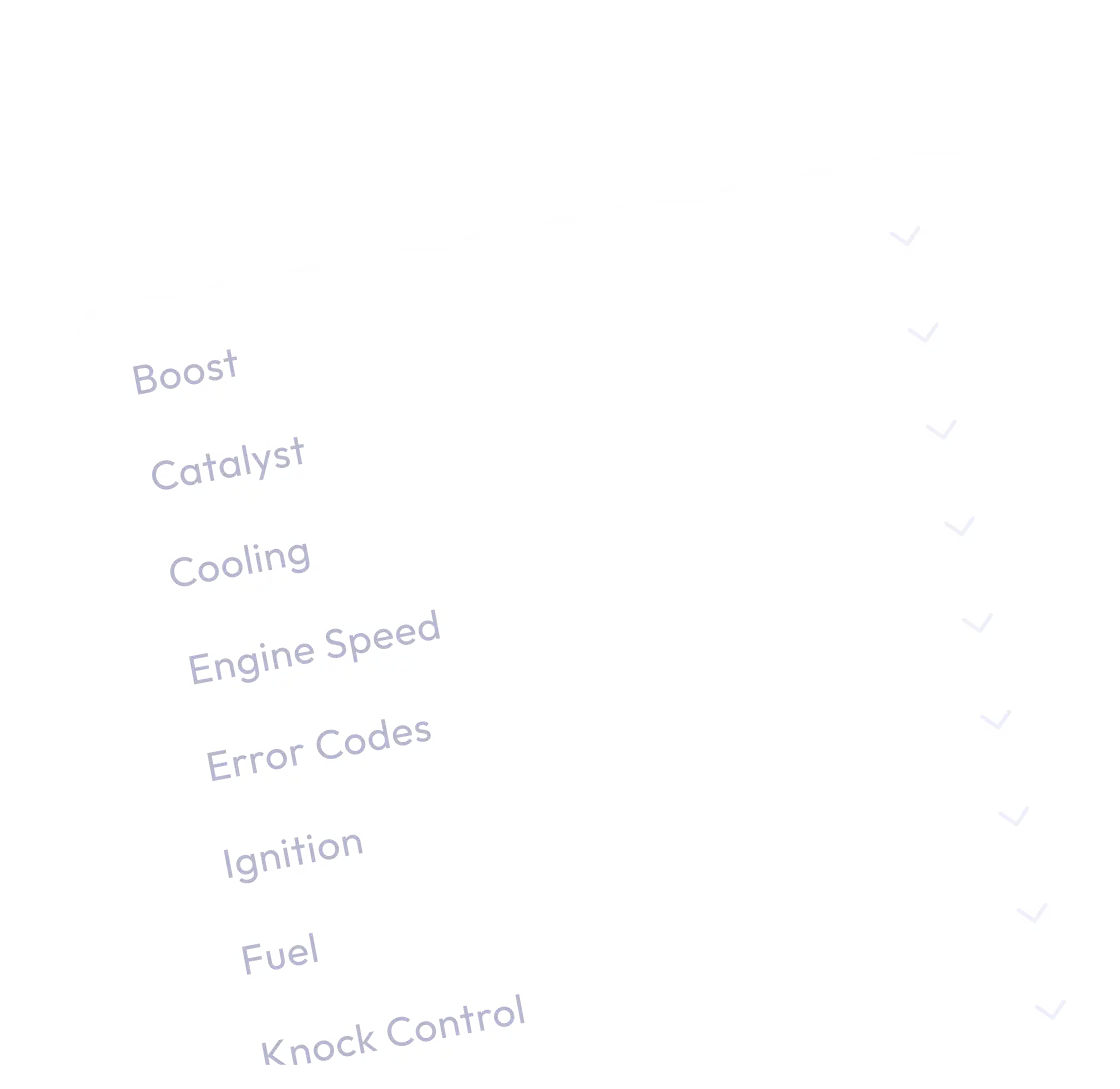
Thousands of available calibrations tables
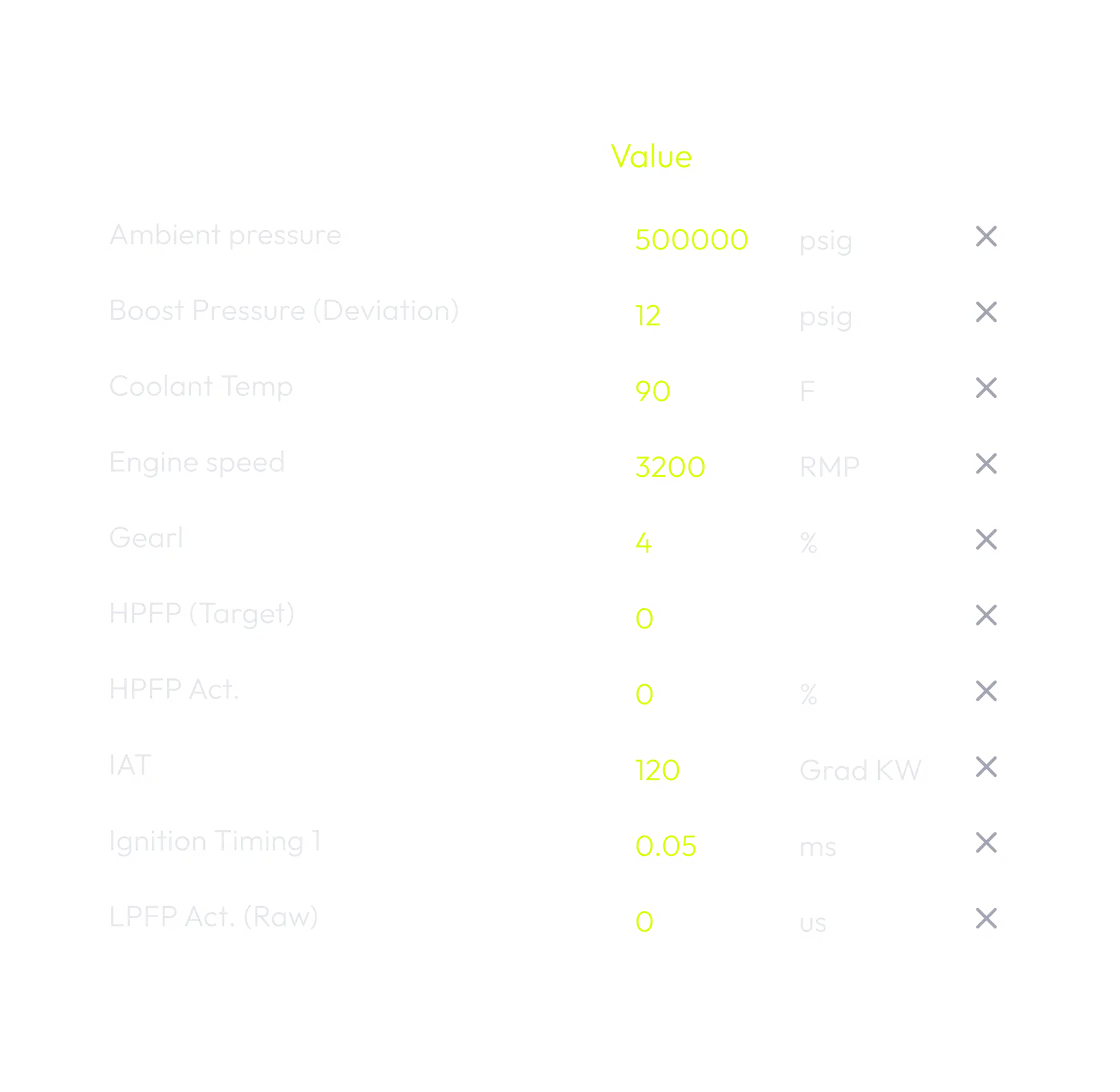
Clear descriptions, units, and axis scaling

Live tuning via LiveAdjust
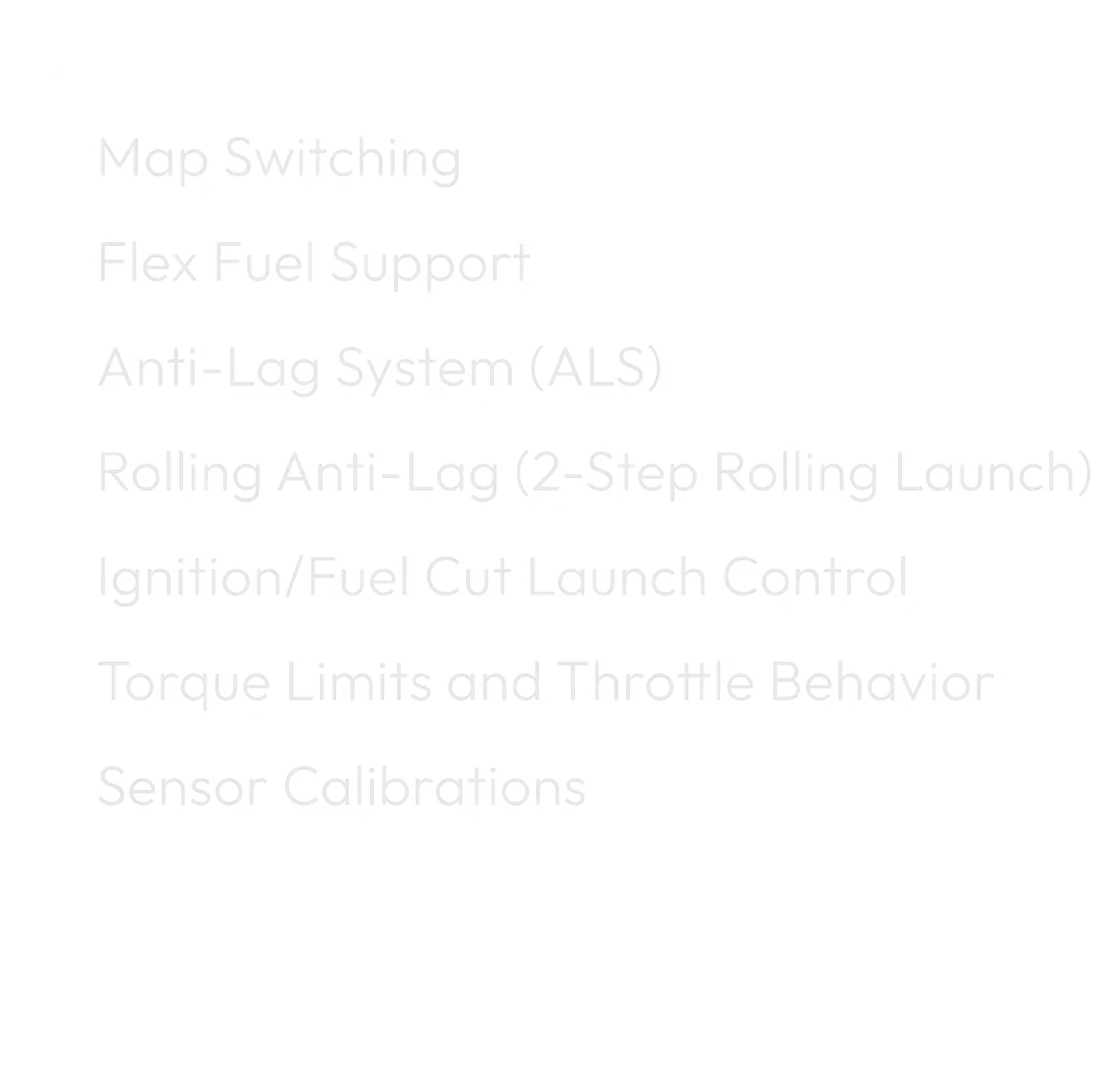
game-changing CustomROM features
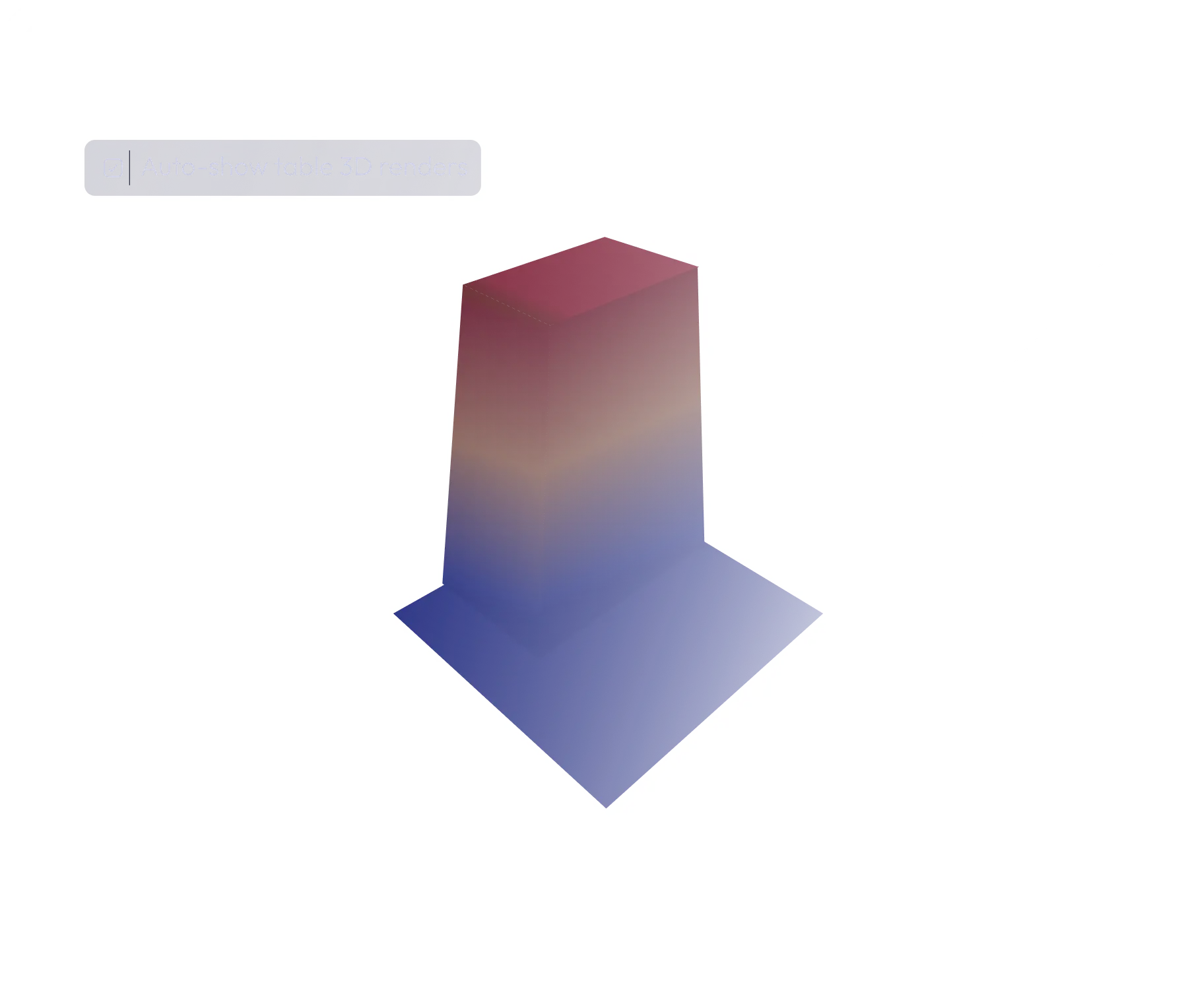
Visualize Performance
Engine behavior is no longer abstract. See it. Shape it. Perfect it.
Manage incoming work with Triage
Review and assign incoming bug reports, feature requests, and other unplanned work.
Datalogs
Analyze performance, diagnose issues, and refine calibrations with precision.
Monitor boost, timing, fuel trims, and more — all from your bootmod3 map editor.
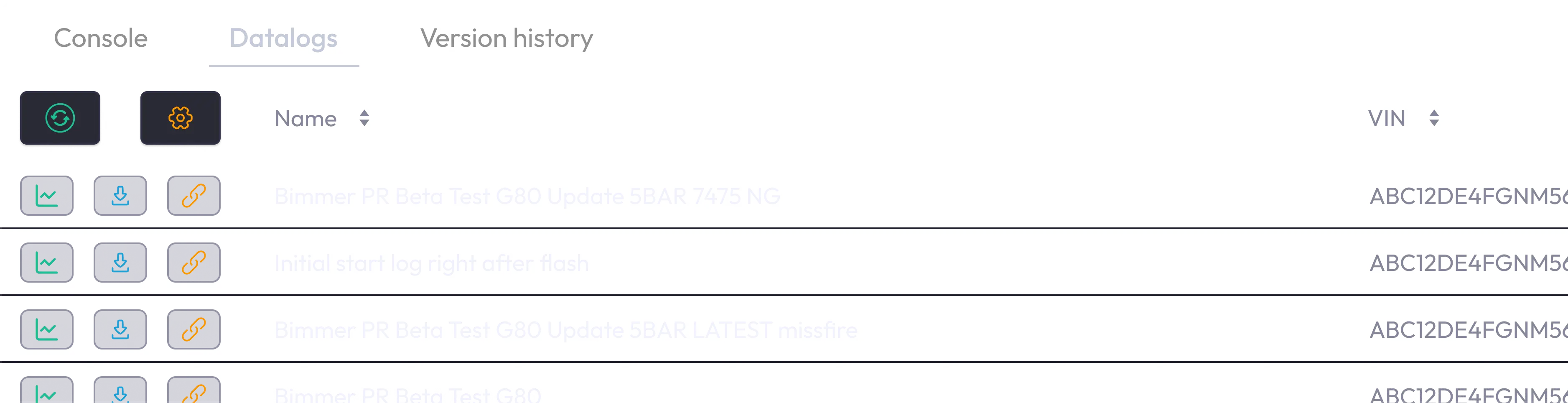
Console
The Console gives tuners a transparent look into what’s happening under the hood.
Custom views
Create personalized layouts to focus on the data and maps that matter most to your tuning workflow.
Smart Filters
Instantly find maps, tables, or parameters with intelligent filtering tailored to your needs.
Multiple Workspaces
Organize your tuning projects with separate, dedicated workspaces — switch between them effortlessly.
Product Walkthrough
Watch how easy it is to go from map changes to real-world performance.
Workflows and integrations
Explore Other
bootmod3 Products
Expand your tuning capabilities with powerful tools and hardware that work seamlessly with the bootmod3 platform.
bootmod3 Mobile & Desktop App
Download App
Software Licenses
Explore in the SHOP
FlexFuel
Explore in the SHOP
Merch
Explore in the SHOP
Frequently Asked Questions
Find quick answers to some of the most common questions about bootmod3 MAP Editor.